
루아 인터프리터로 사용해보기
Lua는 파이썬처럼 인터프리터 대화형 셸로 사용할 수 있습니다.
저번 회차 에서 설치한 lua폴더로 가서
🥞lua54.exe(54가 아니라 다른이름일 수도 있음)를 실행시킨다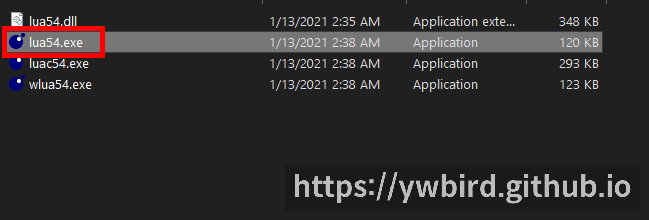
또는
cmd를 열어서 lua54를 치는 방법도 있습니다.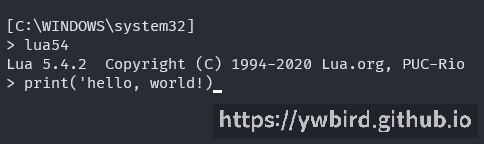
열고나면 대화형 셸이 나오는데 여기에 다음과 같이 써봅시다.
> print('hello, world!')
hello, world!
그럼 hello, world! 라고 출력될 겁니다.
🎉축하합니다! 당신은 첫 Lua코드를 실행시켰습니다!
루아 파일로 실행시키기
이제 Lua를 파일로 실행 시켜봅시다.
다음과 같은 파일을 프로젝트 폴더에 생성합니다.
{% include code title=‘helloworld.lua’ %}
print('hello, world!)
그리고 ctrl{:.key.h}+shift{:.key.h}+B{:.key.h} 를 누른다.
그럼 실행이 될 것입니다.
마무리
다음 글에서는 Lua 자료형을 정리하겠습니다. 이상으로 {{ page.title }} 포스팅을 마치겠습니다.